
1) If you don’t have any Gmail, please make a Gmail account first and let us know.
We will send a link to invite you on Gmail .
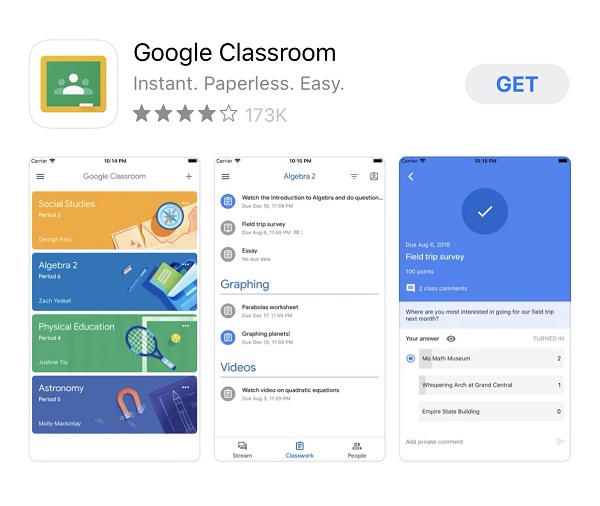
2) For iPad or cell phone users, please download google classroom from the app store and click the link on your Gmail that we sent.
( If you use a computer, you don’t need to download it. Just click the link on your Gmail that we sent. )
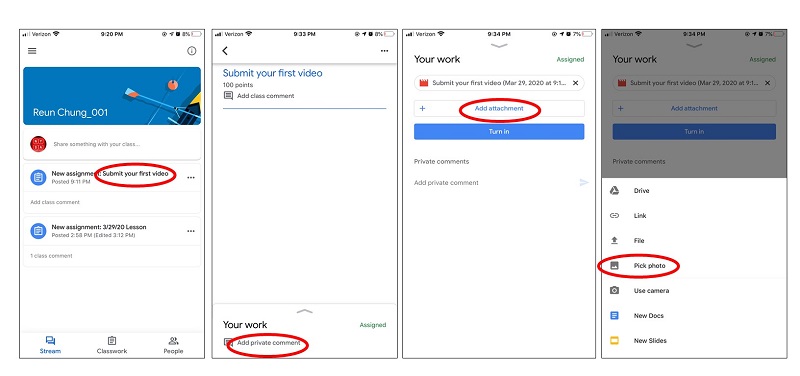
3) click “Submit a video here” – click “add private comment” – click “add attachment” – click “pick photo” – submit your video